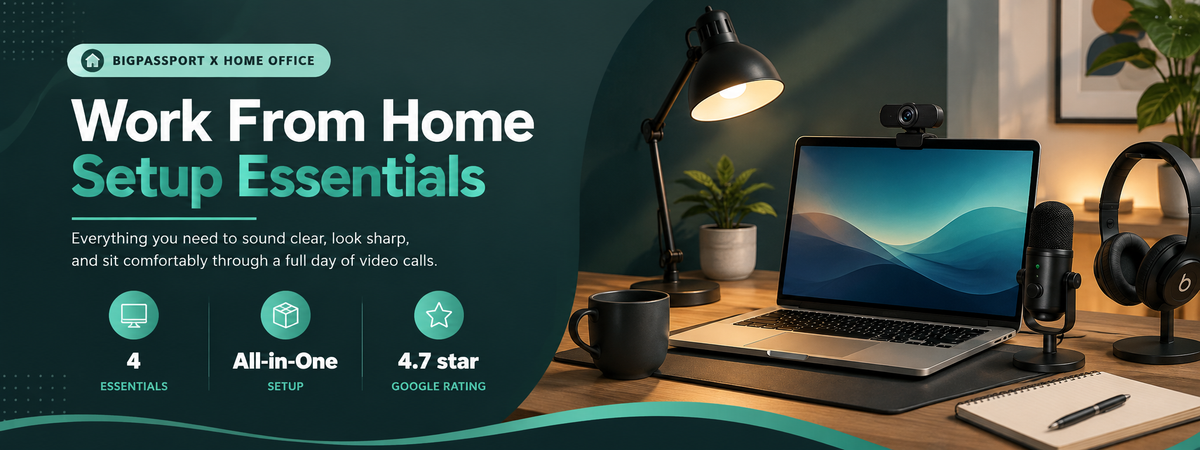

The Complete Setup
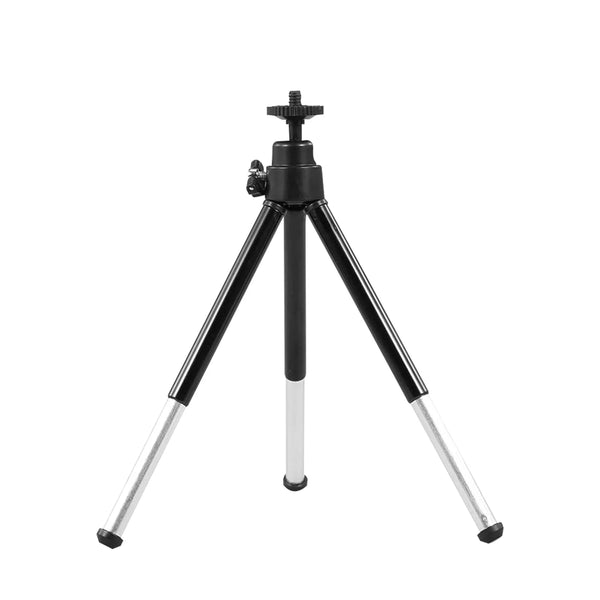
One of each, headset, webcam, monitor arm, and tripod

Build Your Setup in Order
Most people start here and expand
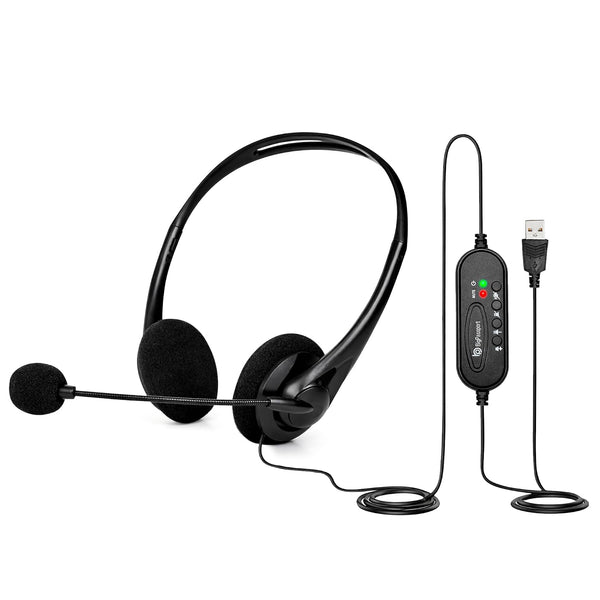
Start with a Headset
The single highest-impact upgrade, immediately changes how you sound on calls.
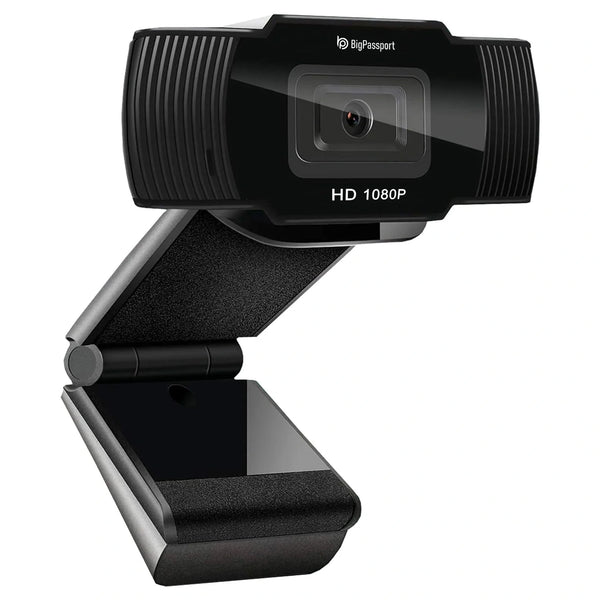
Add a Webcam
Mount at eye level for a noticeably more professional look on video.
Raise Your Monitor
A monitor arm frees desk space and fixes neck strain from looking down all day.
Why These Four Pieces Work as a System
They Solve Different Problems
A headset fixes how you sound. A webcam fixes how you look. A monitor arm fixes how your neck feels by 5pm. Each piece solves a distinct problem that a laptop alone does not.
Most People Do Not Need All Four at Once
Start with the headset since it has the most immediate impact, then add the webcam and monitor arm as your home office becomes more permanent.
What to Buy First
A practical order of operations
Priority 1: Headset
If you are on back-to-back calls, a noise-cancelling headset is the highest-impact single purchase, it changes how professional you sound immediately.
Priority 2 & 3: Webcam and Monitor Arm
Add a dedicated webcam once video calls are a daily occurrence, and a monitor arm once your home office becomes a permanent fixture rather than a temporary setup.
Frequently Asked Questions
What should I buy first for a work-from-home setup?
Start with a noise-cancelling headset, it has the biggest impact on how you are perceived on calls, and it is useful from day one.
Do I really need a separate webcam if my laptop has one?
If video calls are a regular part of your day, yes, laptop webcams are usually lower resolution and positioned below eye level.
Is a monitor arm worth it for a small desk?
Often more so, a monitor arm frees up desk space a traditional stand would otherwise take, which matters most on smaller desks.