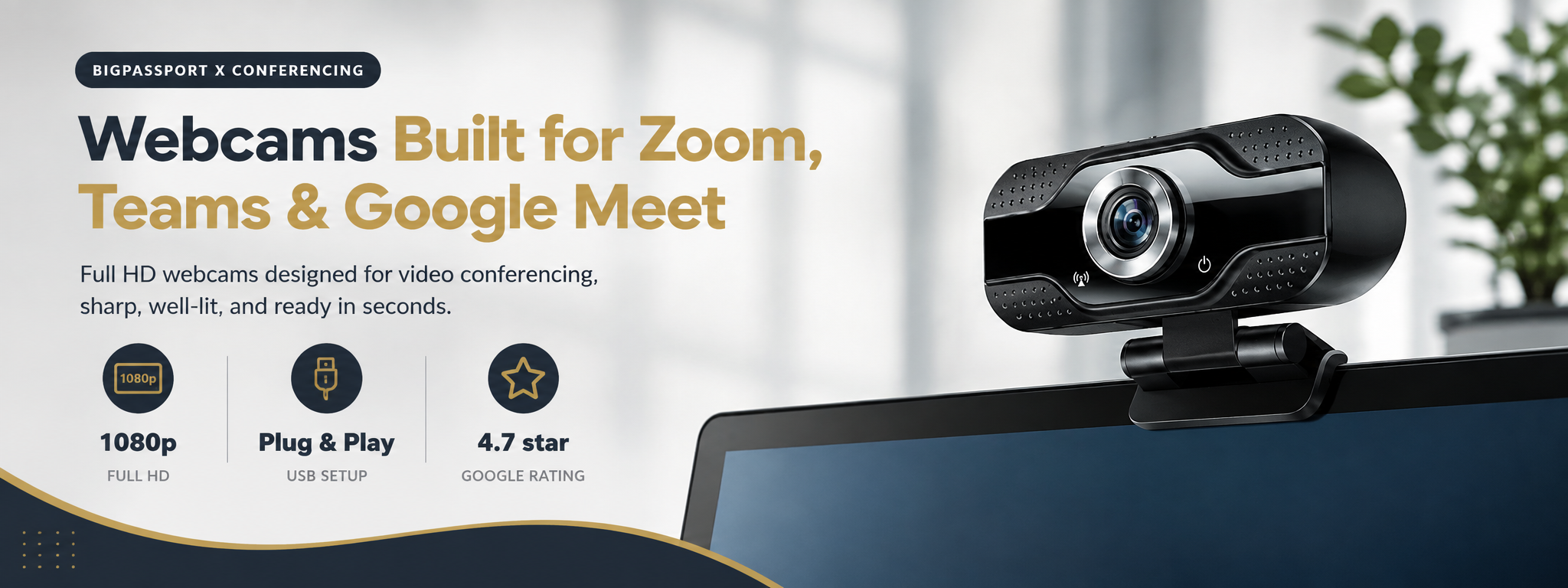

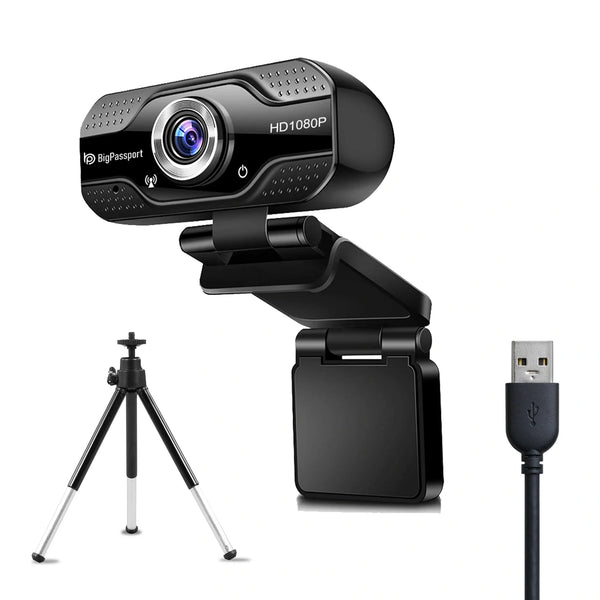
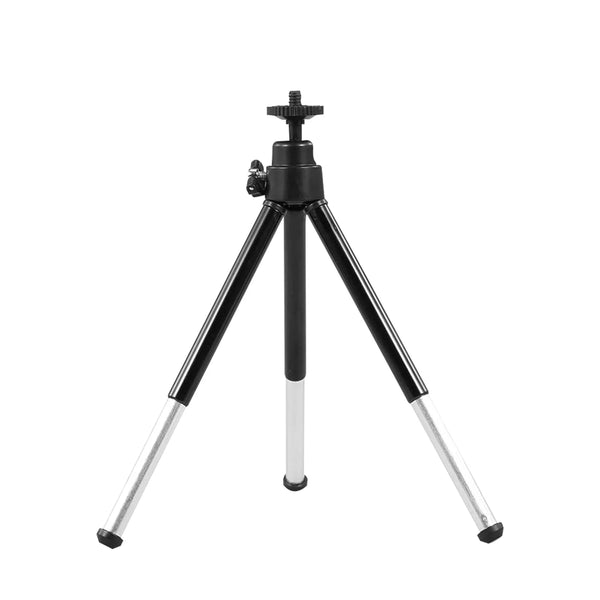
A blurry or badly lit video feed undermines you in interviews, client calls, and daily standups just as much as a bad microphone would. This collection covers Full HD webcams purpose-built for video conferencing platforms, with auto-exposure that handles dim home offices better than a built-in laptop camera. Every model is plug-and-play over USB, so there's no driver installation standing between you and your next meeting. Pair any webcam here with our compact Tripod N1 for flexible positioning on a desk, monitor, or shelf, and you have a complete video setup in minutes.
Shop Conferencing Webcams
Full HD cameras built for meetings, not gaming
Built for Video Calls
Not streaming, not gaming, meetings
Daily Standups
Sharp 1080p video that looks professional on every call.
Interviews & Presentations
Reliable auto-exposure keeps you visible in any lighting.
Client Meetings
Wide field of view works whether you are alone or presenting to a group.
Why a Dedicated Webcam Beats Your Laptop Camera
Resolution That Actually Looks Sharp
Built-in laptop cameras are typically low resolution and positioned below eye level. A dedicated Full HD webcam mounted properly makes a visible difference in how professional you look on calls.
Better in Low Light
Most home offices are not lit like a studio. Our webcams handle dim lighting and backlit windows far better than a laptop built-in camera.
Buying Guide
What actually matters for a conferencing camera
Resolution & Field of View
- 1080p is the baseline for looking sharp on modern platforms.
- A wider field of view matters if more than one person will be on camera.
Mounting
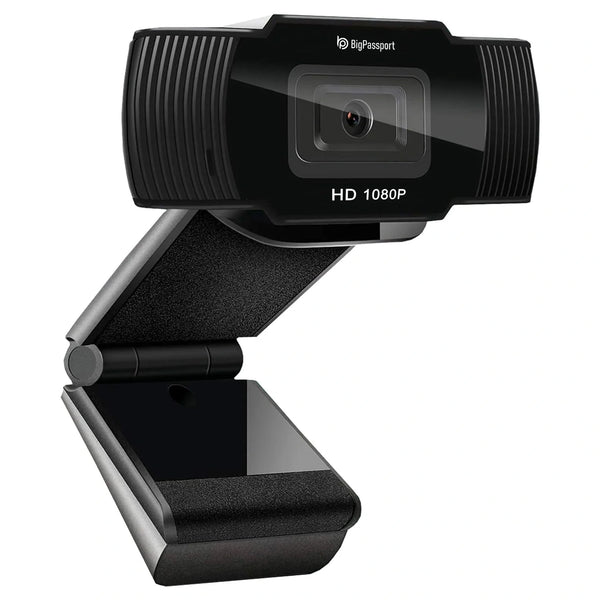
- Our webcams clip onto laptops or monitors directly.
- Pair with the Tripod N1 for more flexible positioning.
Frequently Asked Questions
Will this work with Zoom, Teams, and Google Meet?
Yes, both webcams are plug-and-play USB devices recognized automatically by every major platform.
What is the difference between Pro-Cam and Pro-Live?
Both are Full HD conferencing cameras. Pro-Live is tuned with additional framing options for streaming-style use, while Pro-Cam is our standard all-purpose option.
Do I need a tripod?
Most webcams clip directly onto a laptop or monitor. Add the Tripod N1 if you want more flexibility in camera angle or height.